 Stack Review
Gemini now lets you opt out of AI training and keep chats
Google now lets Gemini users opt out of AI model training without deleting their chat history. Here is where the two new settings live and what Google still keeps.
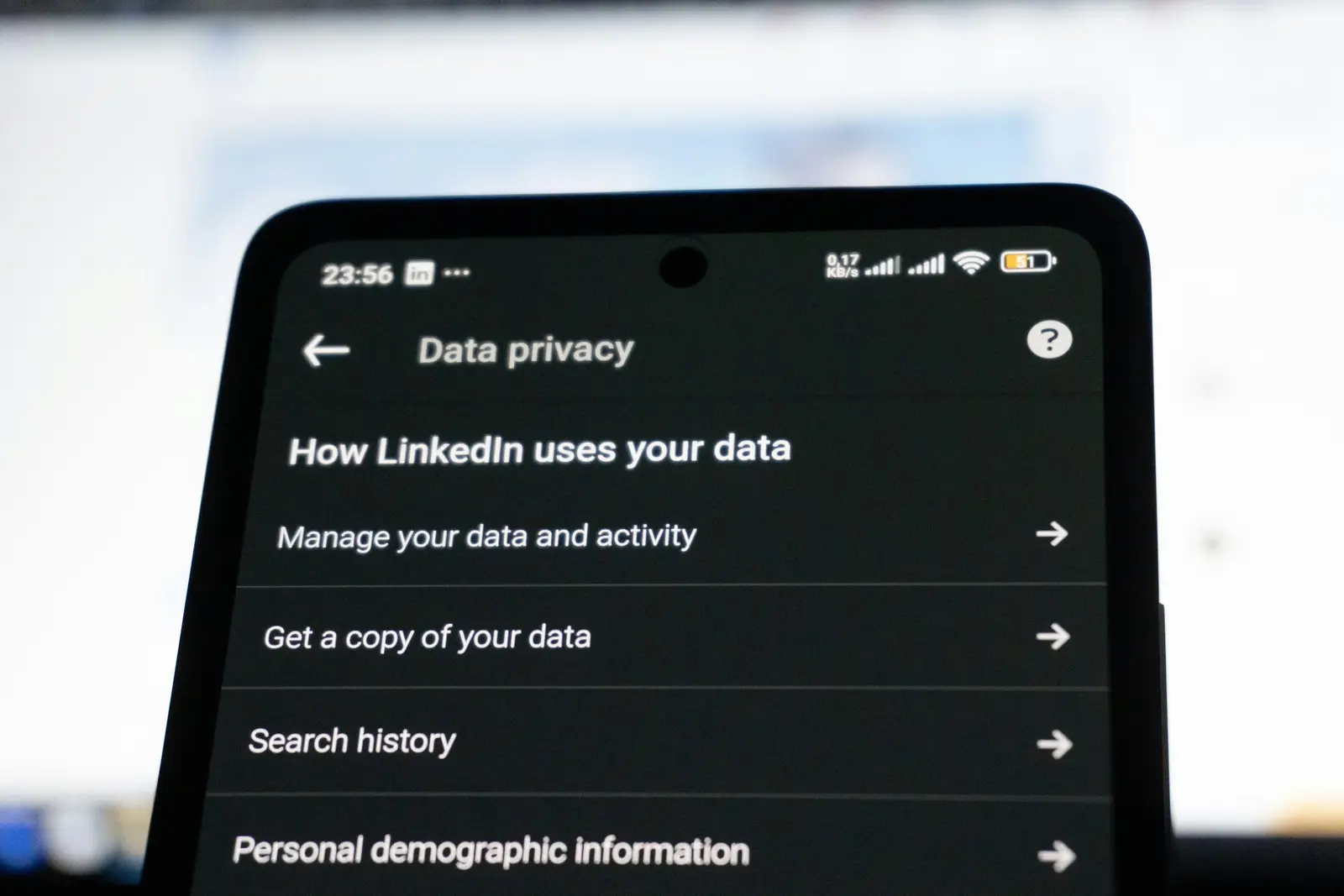
You opt out of Gemini training in the app's activity settings, where Google has split the old Keep Activity toggle into two separate controls. Turn off the one for generative AI model training, leave History on, and your past conversations stay in your account. The split is rolling out to accounts over the next few weeks, so you may still see the single old switch for a while.
What the old Keep Activity toggle did
One switch handled two decisions: how long Gemini kept your chats, and whether those chats trained the model. Anyone who wanted out of training had to turn it off and lose their saved history along with it. Google's email to Gemini users describes the new arrangement as keeping your history while controlling model training separately. TechSpot reports that 9to5Google spotted the split in the app first.
How to opt out of Gemini training
- Open the Gemini app or gemini.google.com, go to Settings, then to the activity section that currently shows Keep Activity.
- Once the update reaches your account you will see two controls: History, which sets whether and how long chats are saved, and a separate setting for generative AI model training.
- Leave History on and switch the AI training control off. Your chats and attachments stay saved and stay out of training.
- If you only see the single Keep Activity toggle, the change has not landed yet. Turning it off still blocks training, but it also stops Gemini saving your history, so wait if you want both.
Accounts that already had Keep Activity switched off get both new options disabled by default when the change arrives. There is nothing to re-save.
What Google keeps when History is off
Turning History off never meant delete. Before this update, Gemini kept chats for 72 hours when saving was disabled and used only the last 24 hours for context. Under the new settings, future chats are saved for around two months and used to respond to you, process feedback, and protect Google, its users and the public, with help from human reviewers.
Temporary chats sit outside all of this. Google says they are not used to train its models. An account with History off that never submits feedback ends up with conversations that answer your questions without feeding the model.
The feedback exception
If you send feedback while History is off, Google uses that feedback plus the last 24 hours of your chats, attachments and data from connected apps to improve Gemini. So you can turn off training, keep History off, then type a note into the feedback box and pull a slice of recent conversations back into scope. That is the only remaining route into training for an account with saving turned off, and it is easy to forget you used it.
How ChatGPT handles the same switch
OpenAI's version is called Improve the model for everyone, which means model training. It is one toggle in ChatGPT's data controls, and your chat history survives turning it off. ZDNET notes that almost every assistant ships a training setting you have to switch off yourself, and most already let you keep your history while doing it. Gemini's combined toggle was the odd one out.
Who should bother changing it
If you paste client names, draft contracts, customer emails or anything you would not publish into Gemini, change the setting today. It costs nothing, it sits in your normal Google account settings, and it takes about ten seconds once the new controls appear. I would also do it on any account a colleague uses for work, because the person who set up the account rarely revisits the activity page.
If you only ask Gemini to reword a paragraph or explain a spreadsheet formula, the setting changes little in practice. The chats still get trained on unless you opt out, but nothing sensitive is in them. Skip it if that is all you use the tool for, and spend the attention on the account where you do paste real business detail.
One limit worth knowing: these announcements cover consumer Gemini accounts. Neither source describes how Google Workspace or business accounts handle the same choice, and those accounts run on separate terms. If your company pays for Gemini through Workspace, ask your admin rather than assuming the app toggle covers you.
7.5 / 10
$0
Best for Anyone who pastes client details, contracts or customer emails into Gemini and wants to keep the chat history
Pros
- Opting out of training no longer wipes your saved conversations
- Two clear controls instead of one toggle doing two jobs
- Costs nothing and takes seconds once it reaches your account
Cons
- Rollout is staggered, so you may wait weeks for the new controls
- Google still stores future chats for around two months when History is off
- Submitting feedback pulls the last 24 hours of chats back into training
A fix for a setting that should have worked this way from the start. Turn off AI training, keep History on, and avoid the feedback box if you want your chats out of the model entirely.
Frequently asked questions
- Does opting out of Gemini training delete my chats?
- No, once the new settings reach your account. History and AI training are separate controls, so you can switch training off and keep every saved conversation. On the old single toggle, turning it off did stop Gemini saving your history.
- Where do I find the AI training setting in Gemini?
- In the activity section of Gemini's settings, the same place that showed Keep Activity. After the update it splits into a History control and an AI training control. If you only see Keep Activity, the change has not reached your account yet.
- If History is off, are my Gemini chats used for training?
- No, unless you submit feedback. Google says temporary chats are not used for training, and an account with History off that sends no feedback stays out of it. Sending feedback changes that, because Google then uses the feedback and your last 24 hours of chats.
- How long does Google keep my chats when History is off?
- Around two months under the new settings. Before the update it was 72 hours. Google says the retained chats go toward responding to you, processing feedback, and protecting Google, its users and the public, with help from human reviewers.
- Do I lose anything by opting out of training?
- Not in the way Gemini answers you now. The setting controls whether your conversations feed future model training, so the tool keeps working the same. Your chats stay available for reference as long as History is on.
Sources