 Stack Review
Gemini can drive your Mac now, if you pay and live in the US
Gemini's computer use mode is live on macOS for US users on paid Google AI plans. Here's what it does, the Mac it needs, and why Apple's own agent is still a job listing.
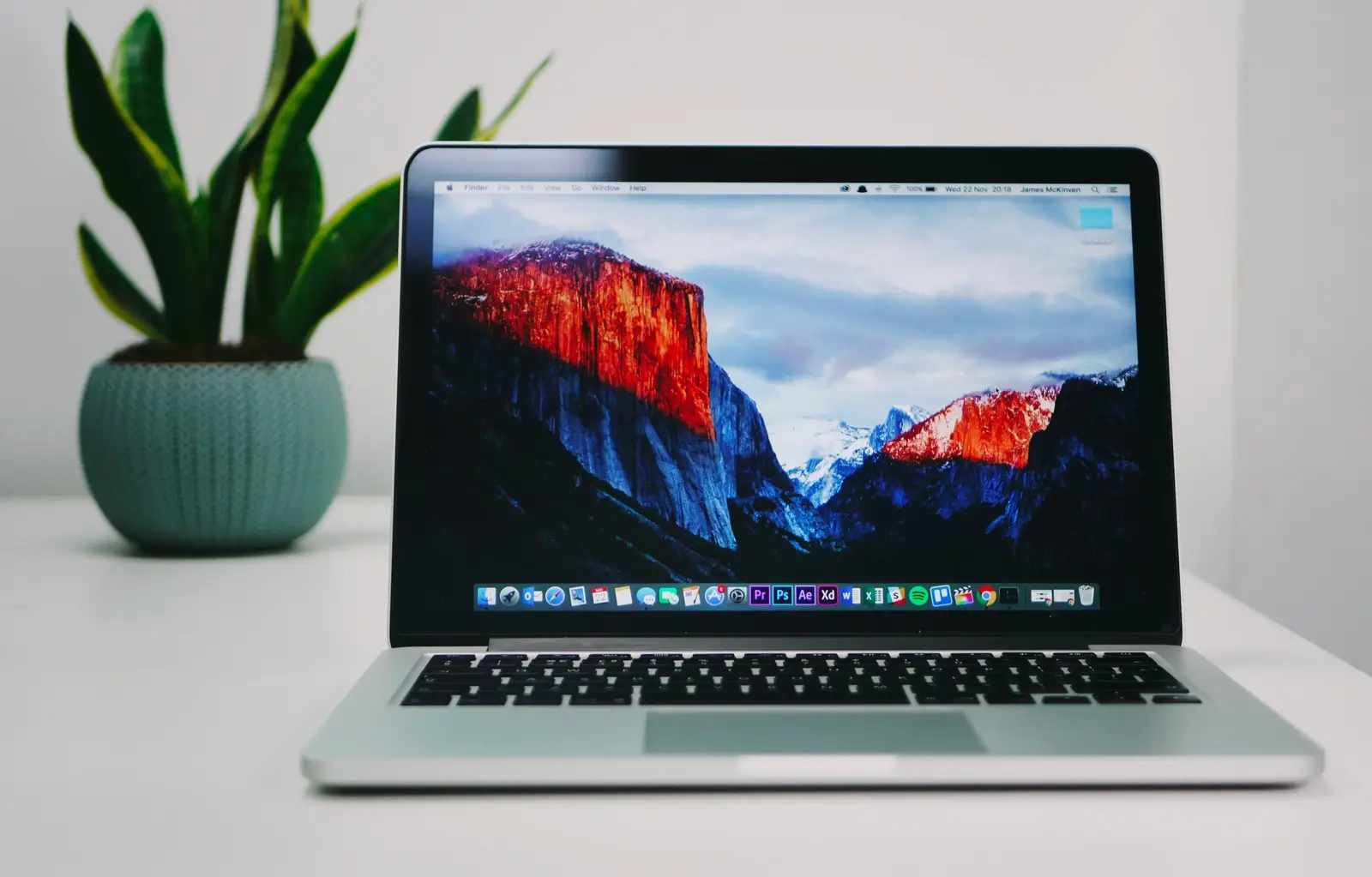
Google's Gemini can now take control of a Mac. The computer use mode went live on November 19, 2026 in the US, and it clicks, types, opens menus and fills forms in a background window while you get on with your own work. You need an Apple silicon Mac, macOS Sequoia 15.0 or later, and a paid Google AI Plus, Pro or Ultra plan.
Gemini arrives late to this. OpenAI's ChatGPT and Meta's Muse had computer use on macOS before Google shipped its version, and Anthropic sells agent tools in its desktop app too. Apple, which builds the hardware everyone is automating, is still hiring for its own agent.
What Gemini does once it has the mouse
Google's examples are the tedious jobs. Gemini can batch color-grade a folder of photos in a design app, pull weights, dimensions and addresses out of local PDFs to get shipping quotes, gather metrics and screenshots from dashboards into a Google Slides deck, or turn a folder of product photos into resale listings. It also fills forms, repeats the same edit across a batch of files, and sorts files into folders using criteria you describe.
The run happens in an isolated background window with a live preview in the chat. Your screen and cursor stay free, and you can pause or stop at any point. Steps Google treats as sensitive wait for your approval.
Background clicking is still clicking. An agent that drives apps through their interfaces is at the mercy of those interfaces: a dialog box nobody expected, a software update, a window that opens in the wrong place. Google's answer is the approval step and the pause button, which makes the jobs worth handing over the ones where you would notice a mistake quickly.
What you need before it will run
- An Apple silicon Mac. Intel models aren't supported.
- macOS Sequoia 15.0 or newer.
- The Gemini app for Mac, from gemini.google/mac.
- A Google AI Plus, Pro or Ultra subscription. The free tier isn't on Google's list.
- US English, a personal Google account, and an age of 18 or over.
Rollout is gradual, so a qualifying account may not see the option on day one. To start a task you describe it in a chat and tag it, as Google's own example does with @Computer use. Google hasn't said when the mode reaches other countries, other languages, or work accounts.
The risk Google flags itself
Google warns that the agent may delete or share files by accident. Treat that as the operating instruction: give it one app and one folder for the first few jobs, watch the preview, and widen access only when the output holds up. An agent that can read your whole disk and a browser logged into your accounts is a different risk from one that can see a scratch folder.
Apple's own agent, and the door closing behind it
Bloomberg found an Apple job listing for a senior engineering manager to run a team building an "AI agent that can use a computer." The posting describes software that browses the web, moves between apps, runs commands, writes and debugs code, and calls services, choosing the right tool at each step. Apple didn't respond when TechCrunch asked about the listing.
Apple is tightening the rules for other people's agents at the same time. Bloomberg reported that macOS 27.3 will warn users against granting third-party agents full access to the machine, and that Apple told developers in October it would add controls so that level of access requires very explicit user consent.
Siri today handles tasks inside Apple's own apps, such as sending a message or adding a calendar entry, and reaches little third-party software. Reports in November said Apple signed a deal earlier this year to use Gemini models for a Siri overhaul, so the built-in assistant may end up partly made by Google.
Who should turn it on
If you already pay for Google AI Pro or Ultra, computer use costs nothing extra, and one repetitive job is enough to test it. Photo batches and numbers buried in PDFs are the obvious starting points. If you pay for ChatGPT instead, its Mac agent has been around longer, and a second AI subscription buys you the same work twice.
If you aren't paying Google today, this mode is a poor reason to start. Google named the qualifying plans without publishing their prices in the announcement, so price the whole subscription against the one job you want done, and check the renewal rate rather than the first-year one. On a work laptop, ask IT first, because the tool needs app and file permissions that a managed device may refuse.
7.5 / 10
$0
Best for Mac owners already on a paid Google AI plan with repetitive file, photo or form work
Pros
- Runs in a background window, so your screen and cursor stay free
- App-level permissions, live preview, pause and approval before key actions
- No extra cost if you already pay for Google AI Plus, Pro or Ultra
- Handles multi-step jobs across local files, desktop apps and the web
Cons
- US English only, with no date for other markets
- Apple silicon and macOS Sequoia 15.0 or later required
- Paid Google AI plan required; the free tier is excluded
- Google warns it may delete or share files by accident
Worth switching on if you already pay Google for AI and have a folder of dull work to hand it. There is no standalone price: the mode is bundled into Google AI Plus, Pro or Ultra, and Google's announcement didn't list plan rates, so check the current US price before you subscribe. Skip it if you're on an Intel Mac, outside the US, or already paying for ChatGPT's Mac agent.
Frequently asked questions
- Can I use Gemini computer use for free?
- No. It requires a Google AI Plus, Pro or Ultra subscription, and the free tier isn't listed. Google's announcement didn't include plan prices, so check the current US rate on the plans page before subscribing, and look at what the second year costs.
- Does Gemini computer use work on Intel Macs?
- No. It needs an Apple silicon Mac (M1 or later) running macOS Sequoia 15.0 or newer. Intel Macs are excluded, and so are Macs on older versions of macOS.
- Can ChatGPT control my Mac too?
- Yes. OpenAI's ChatGPT and Meta's Muse offered Mac computer use before Gemini, and Anthropic ships agent features in its desktop app. The practical difference is which subscription you already pay for; pick the agent that comes with it.
- Is it safe to let an AI agent use my Mac?
- It's manageable if you limit access. Gemini runs in a separate background window, shows a live preview, lets you choose which apps it can reach, and waits for approval on key actions. Google warns it may delete or share files by mistake, so start with one folder and one app.
- When will Apple release its own Mac agent?
- Apple hasn't said. A job listing for a senior engineering manager on the project is public, and macOS 27.3 will add warnings about third-party agents getting full access. There's no release date, price or feature list yet.
- Which countries can use Gemini computer use?
- The US only, in English, for now. Google hasn't given a date for other markets or languages, and the rollout inside the US is gradual, so eligible accounts may wait a few days.
Sources
- TechCrunch: Apple may be developing its own AI agent that runs your Mac
- TechCrunch: Google gives Gemini the ability to use your Mac for you
- The Hindu BusinessLine: Google Gemini can now control Mac computers
- Note: Gemini beats Apple to Mac control, 5 AI news stories for 11/20
- The Tech Hacker: How to use Gemini computer use on Mac